
A Five-Minute Android Accessory Compatibility Check
Before buying a charger, hub, case, car adapter, or power bank, check these five specifications on the exact phone model.
Accessory listings often say they work with Android, but the useful question is whether they work with your exact phone and setup.
1. Confirm the full model name
Regional versions can differ in included chargers, SIM support, radio bands, and sometimes accessory behavior. Start with the exact model rather than the product family name.
2. Check the port and protocol
USB-C can mean basic charging, fast charging, data transfer, USB OTG, or display output. The connector alone is not enough information.
3. Check wireless charging separately
Do not assume that a premium-looking phone supports wireless charging or that a magnetic case will keep it aligned correctly.
4. Separate supported from convenient
An adapter may technically work but need external power, an app, or a specific cable length. Record those conditions before you buy.
5. Keep the source
Save the model documentation and the accessory specification. When a setup behaves differently than expected, those two documents are the quickest path to a useful answer.
Related articles
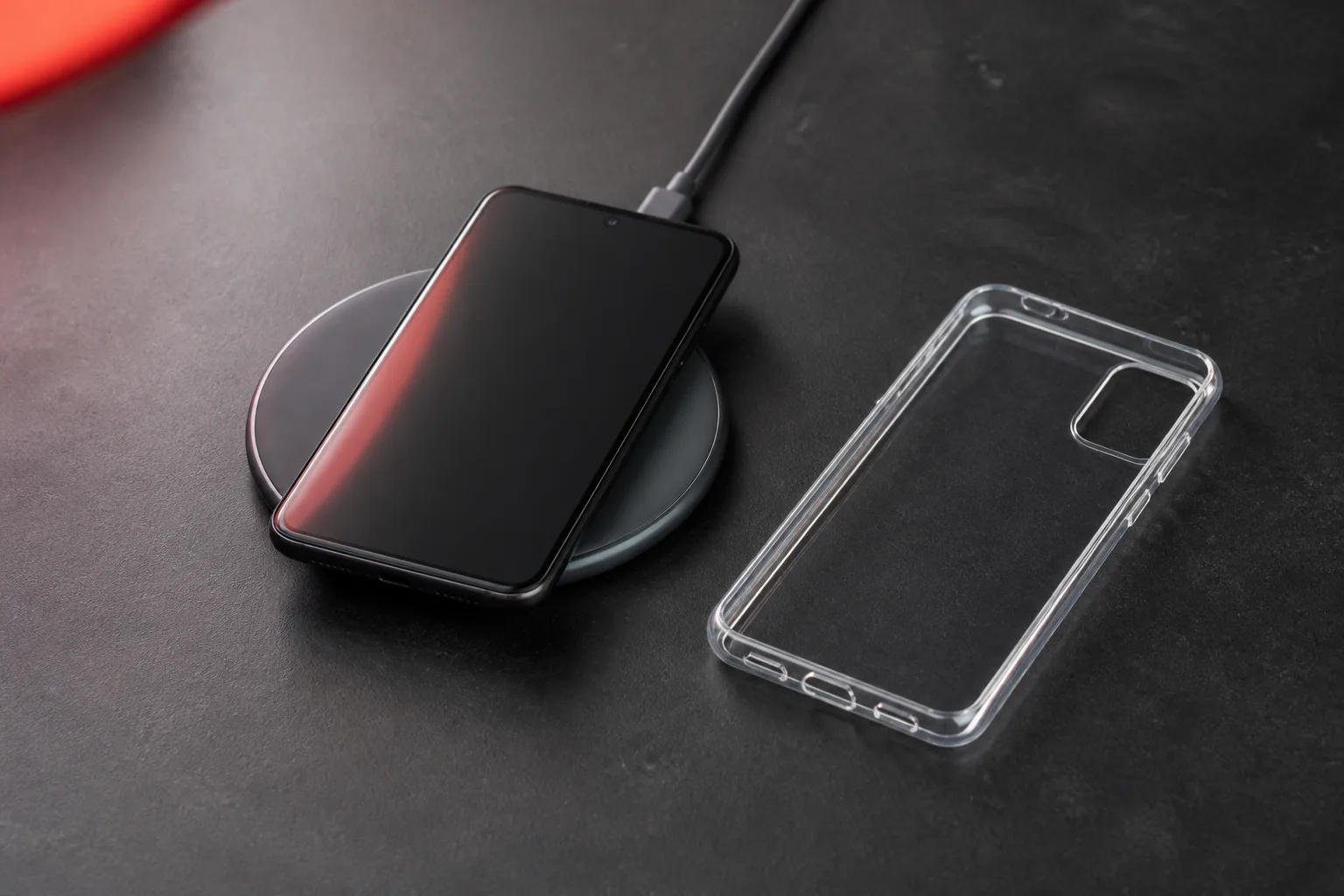
Will a Phone Case Stop Wireless Charging?
How case thickness, materials, metal parts, alignment, and heat affect wireless charging on Android phones.
Read article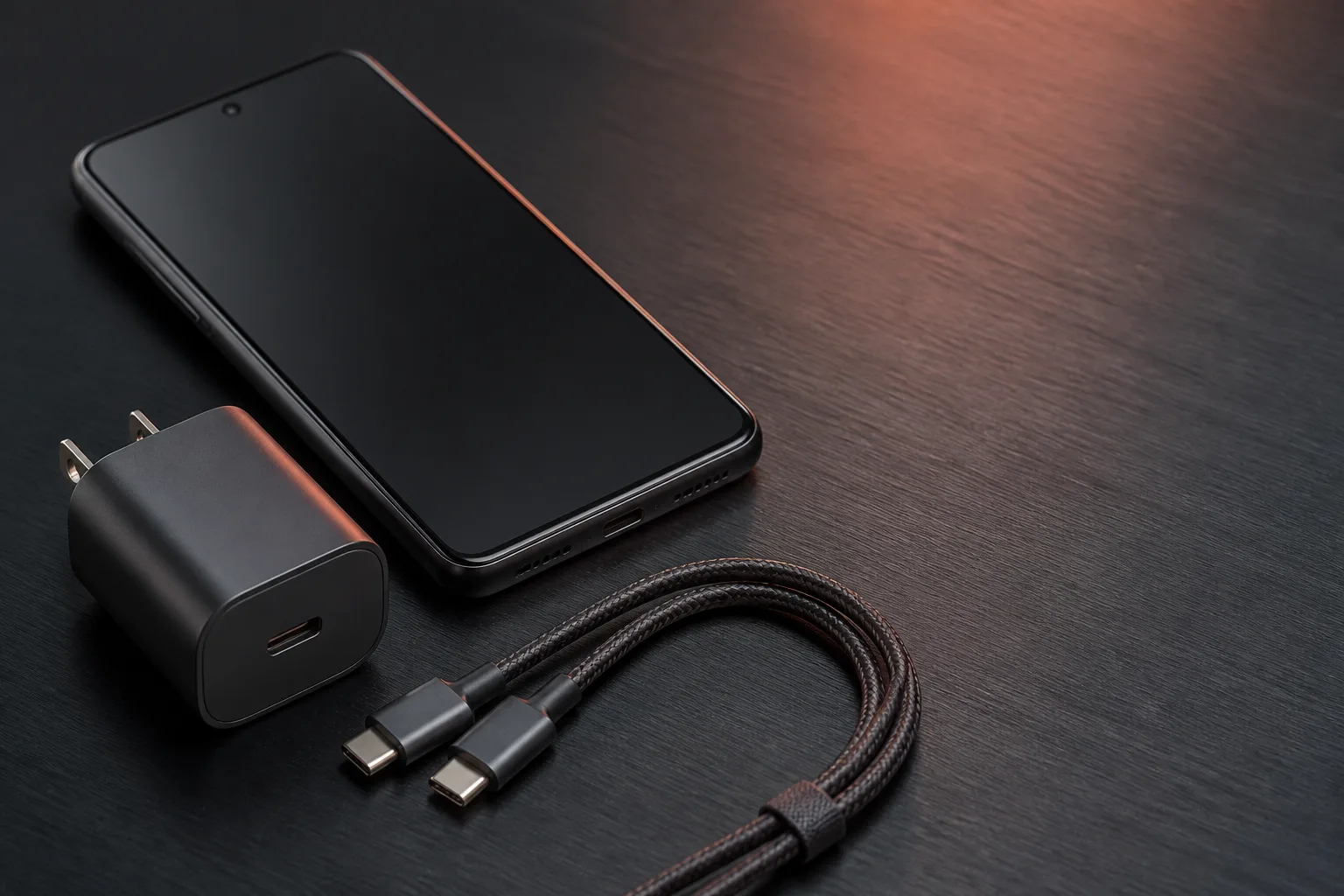
Android USB OTG: What It Is and What to Check Before Buying an Adapter
USB OTG lets an Android device work with accessories such as flash drives, keyboards, card readers, and Ethernet adapters. Support is device-specific.
Read article
Android eSIM: How to Check Phone and Carrier Support
Verify your exact Android model, carrier eligibility and eSIM plan before activation. Includes dual-line checks, a travel worksheet and troubleshooting.
Read article