
The Android Auto Cable Checklist: Avoiding Dropouts Before You Drive
A short cable, real data support, clean connectors, and the right phone settings solve many wired Android Auto connection problems.
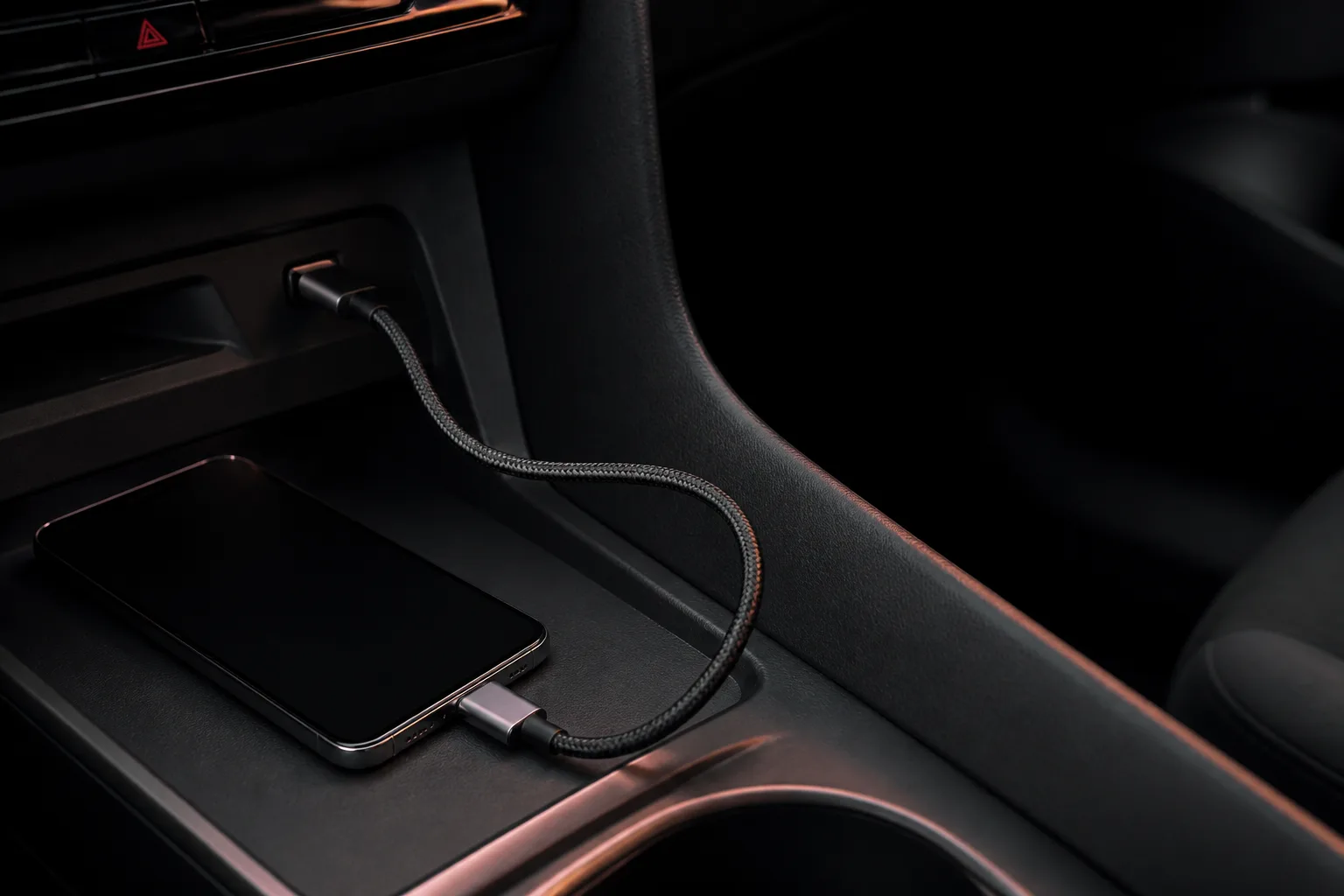
Wired Android Auto depends on more than the USB-C connector fitting. The cable needs reliable data lines, the car’s USB port needs to provide a stable connection, and the phone must allow the relevant USB mode.
Start with the shortest known-good cable
Use a short, well-built cable that is sold for data as well as charging. Very long, worn, or charge-only cables are a common source of random disconnections.
Check both ends
Lint or wear inside the phone port can make a cable feel connected while still causing intermittent data contact. Inspect the cable ends and vehicle port before changing app settings.
Isolate the cause
Try one different cable, then one different phone if available. This helps distinguish a phone issue from a cable or head-unit issue without guessing from a single failed connection.
Related articles
Wired vs. Wireless Android Auto: Which Setup Fits Your Car?
Compare wired and wireless Android Auto by actual vehicle support, setup, charging and daily use. Includes a decision guide and a parked-car test worksheet.
Read article
Android Auto Keeps Disconnecting: A Fix Order That Saves Time
Separate USB, wireless and app failures, test one change at a time, and prepare a useful support record before resetting Android Auto or buying replacements.
Read article
Android Enterprise Explained: Work Profiles, Full Management and Dedicated Devices
Choose an Android Enterprise management model by ownership and work needs. Understand work profiles, company-owned options, policy scope and pilot acceptance.
Read article